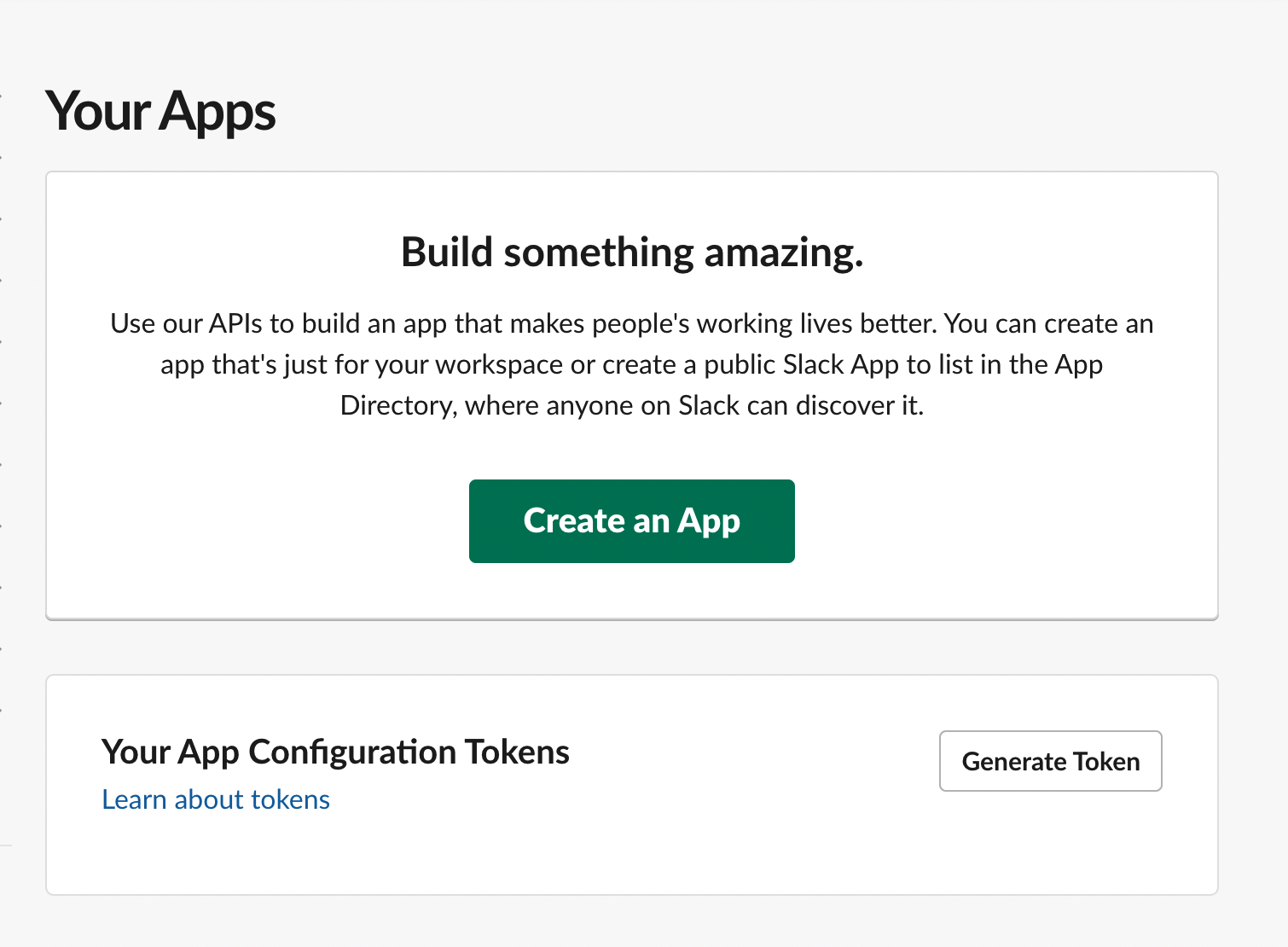
1. Navigate to https://api.slack.com/apps
2. Click on 'Create App'
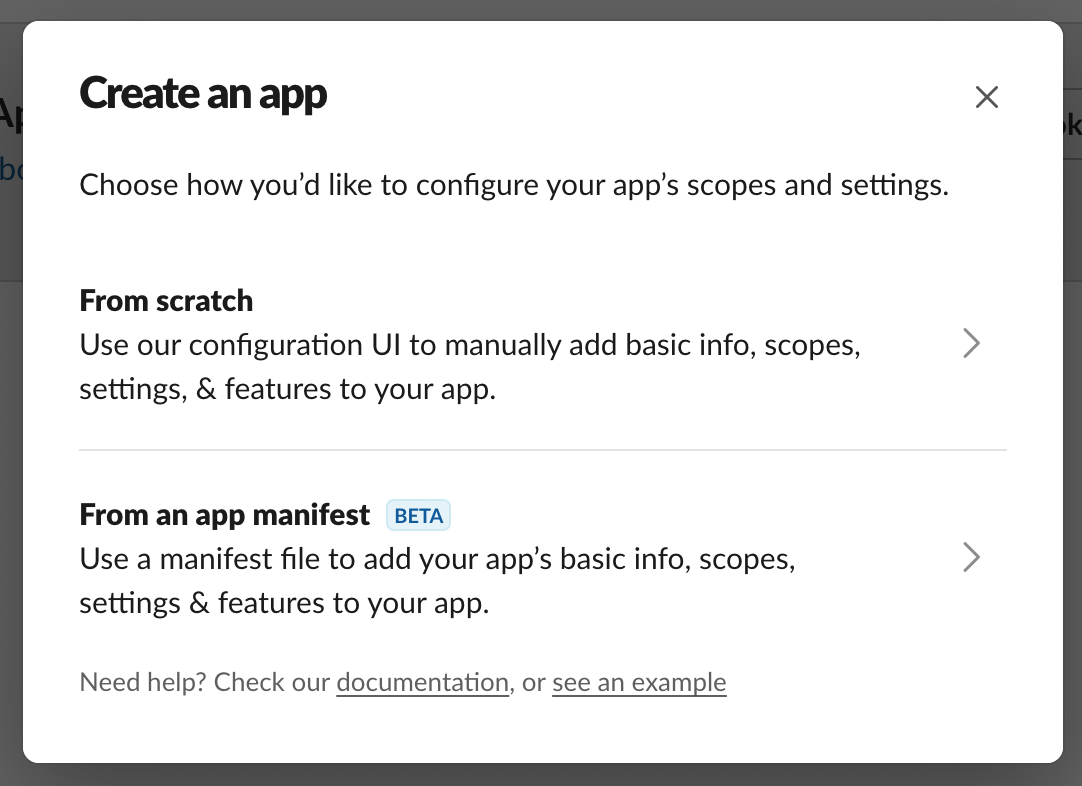
3. Select 'From Scratch'
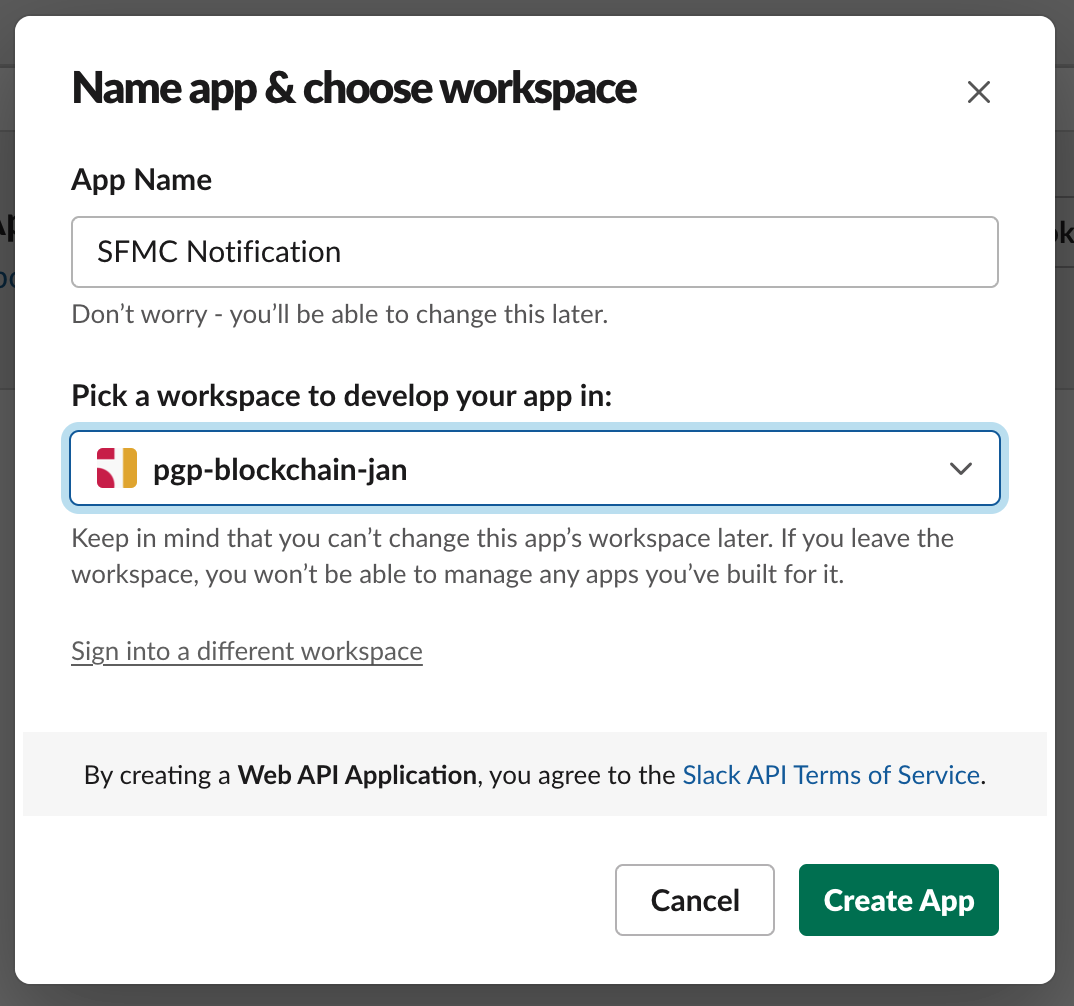
4. Enter an App Name and select workspace
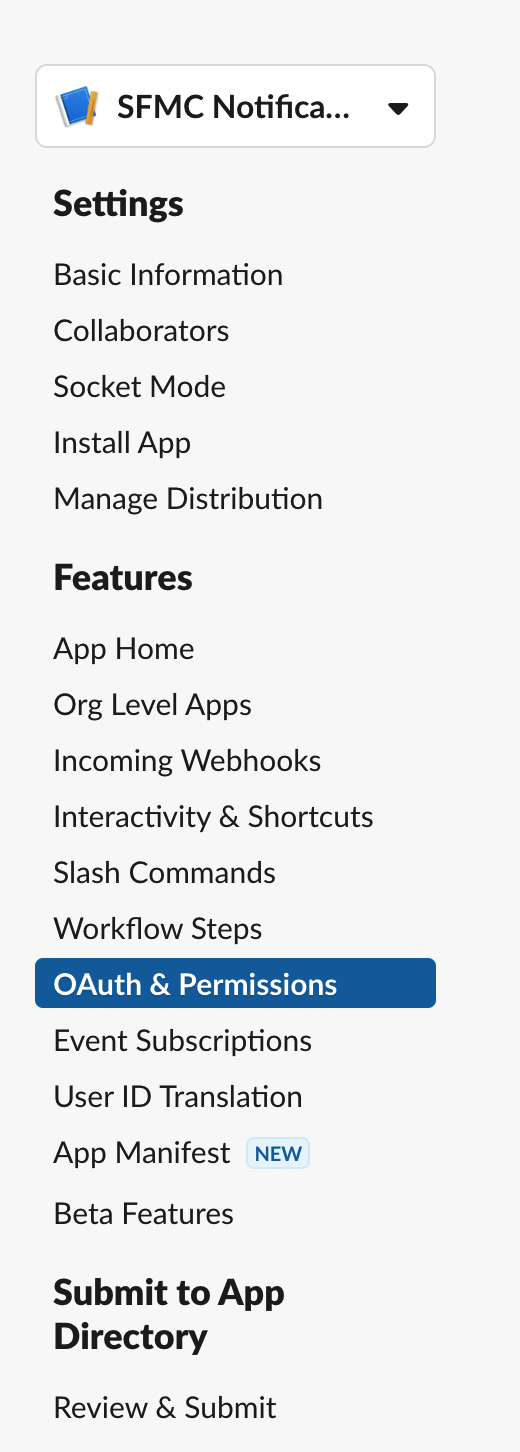
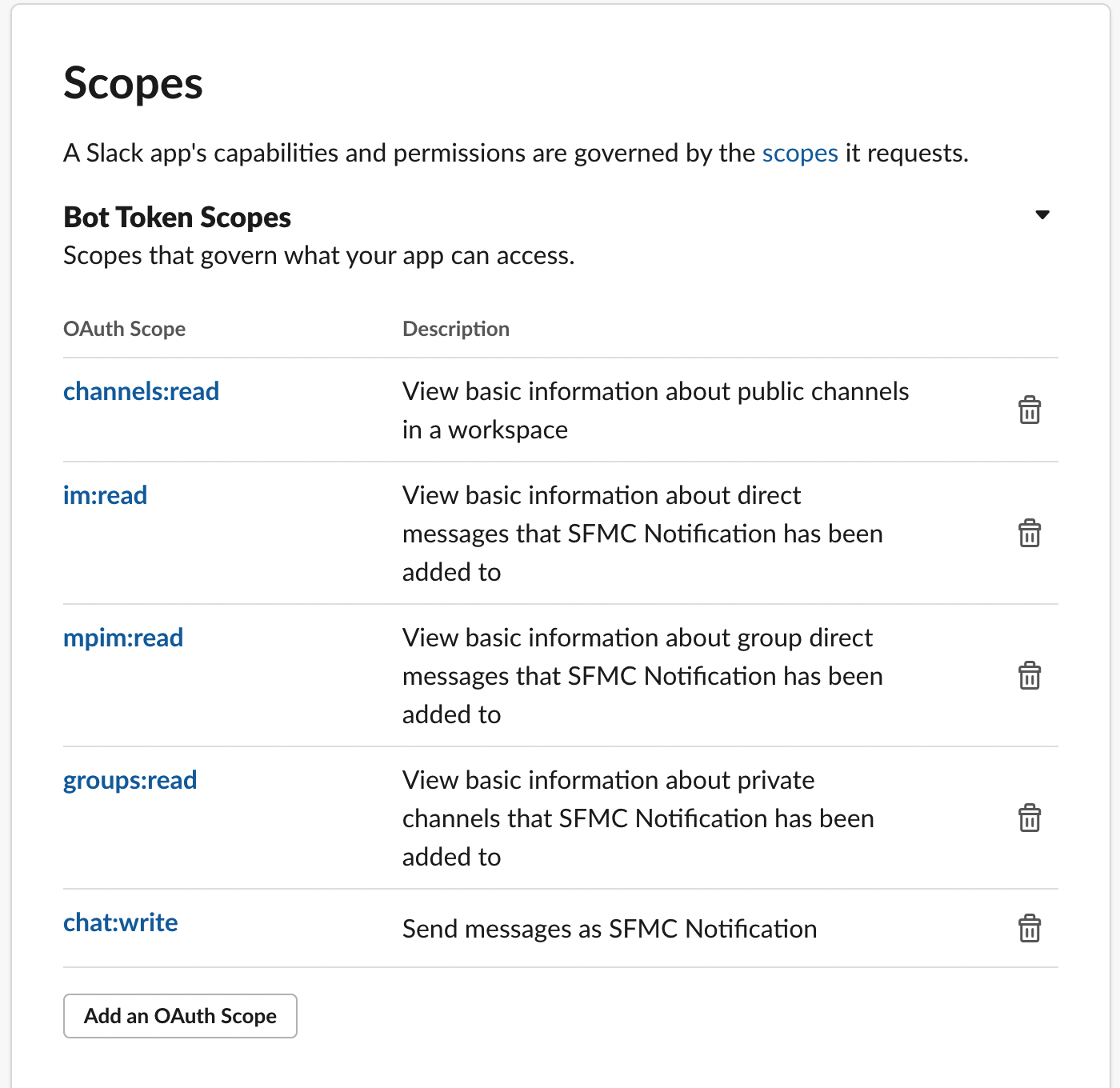
5. Navigate to oAuth
6. Add scopes -
channels:read,groups:read,mpim:read,im:read,chat:write
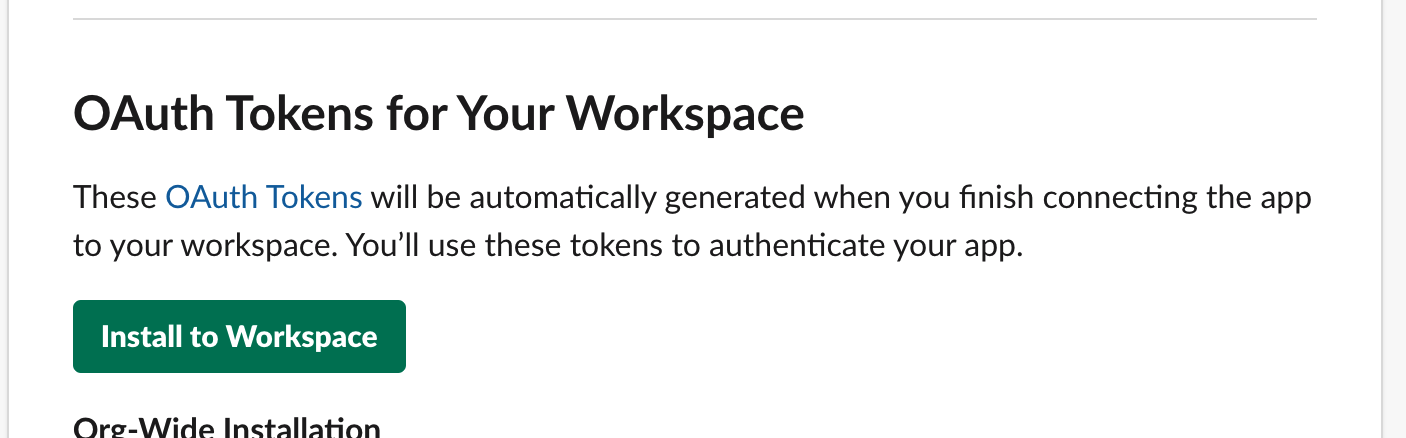
7. Click on Install to workspace
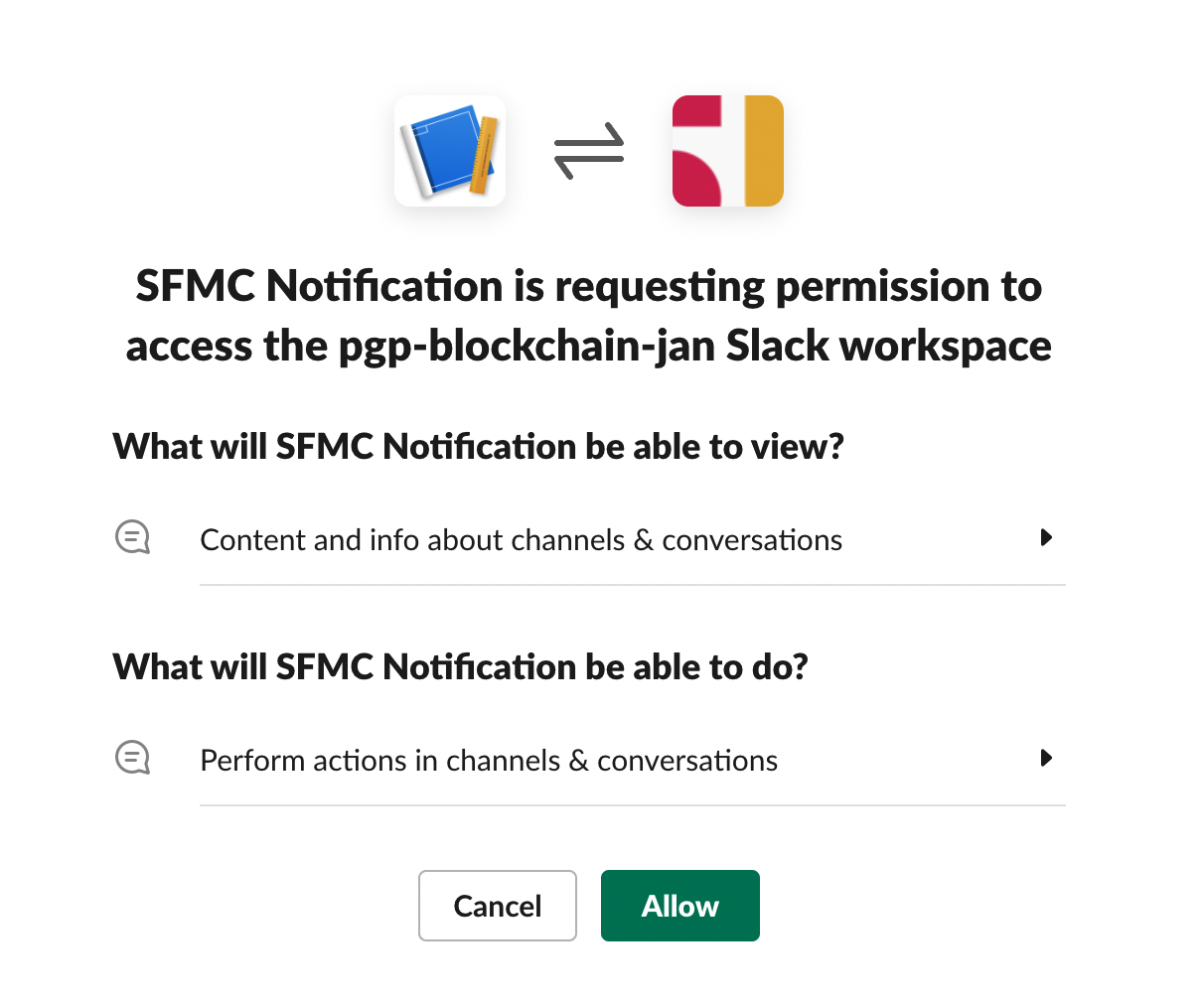
8. Click on Allow
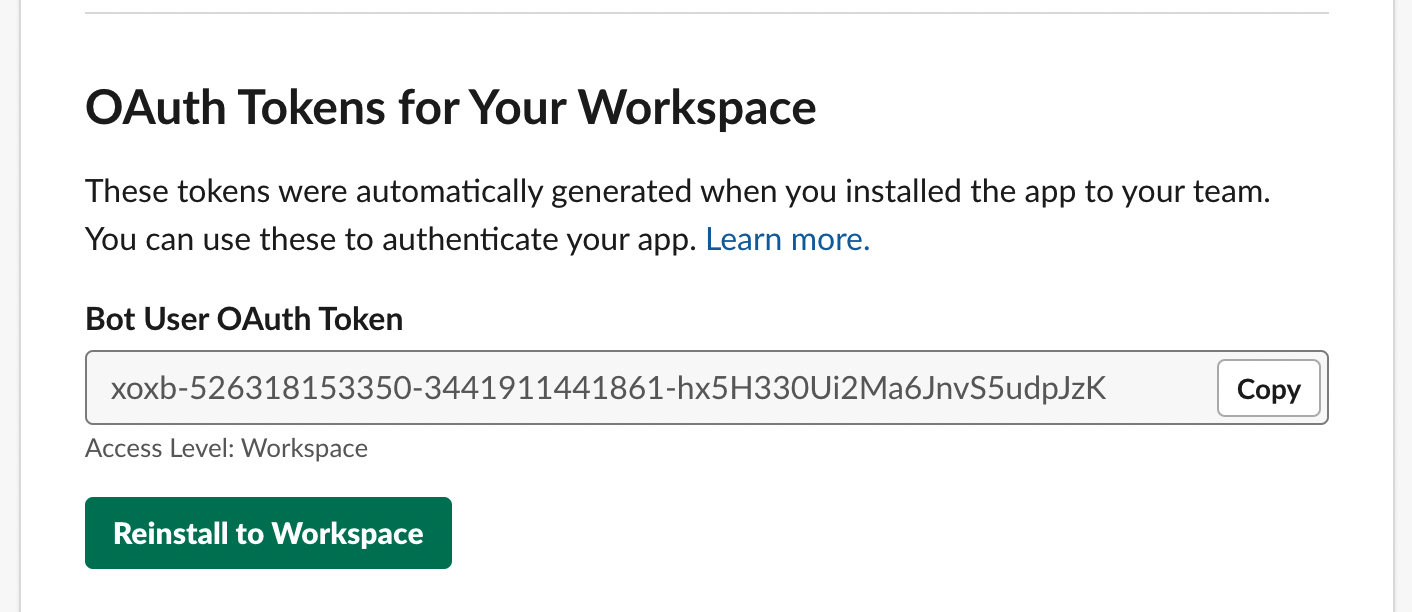
9. Now, you should see BotToken that starts with xoxb.
Save this securely.
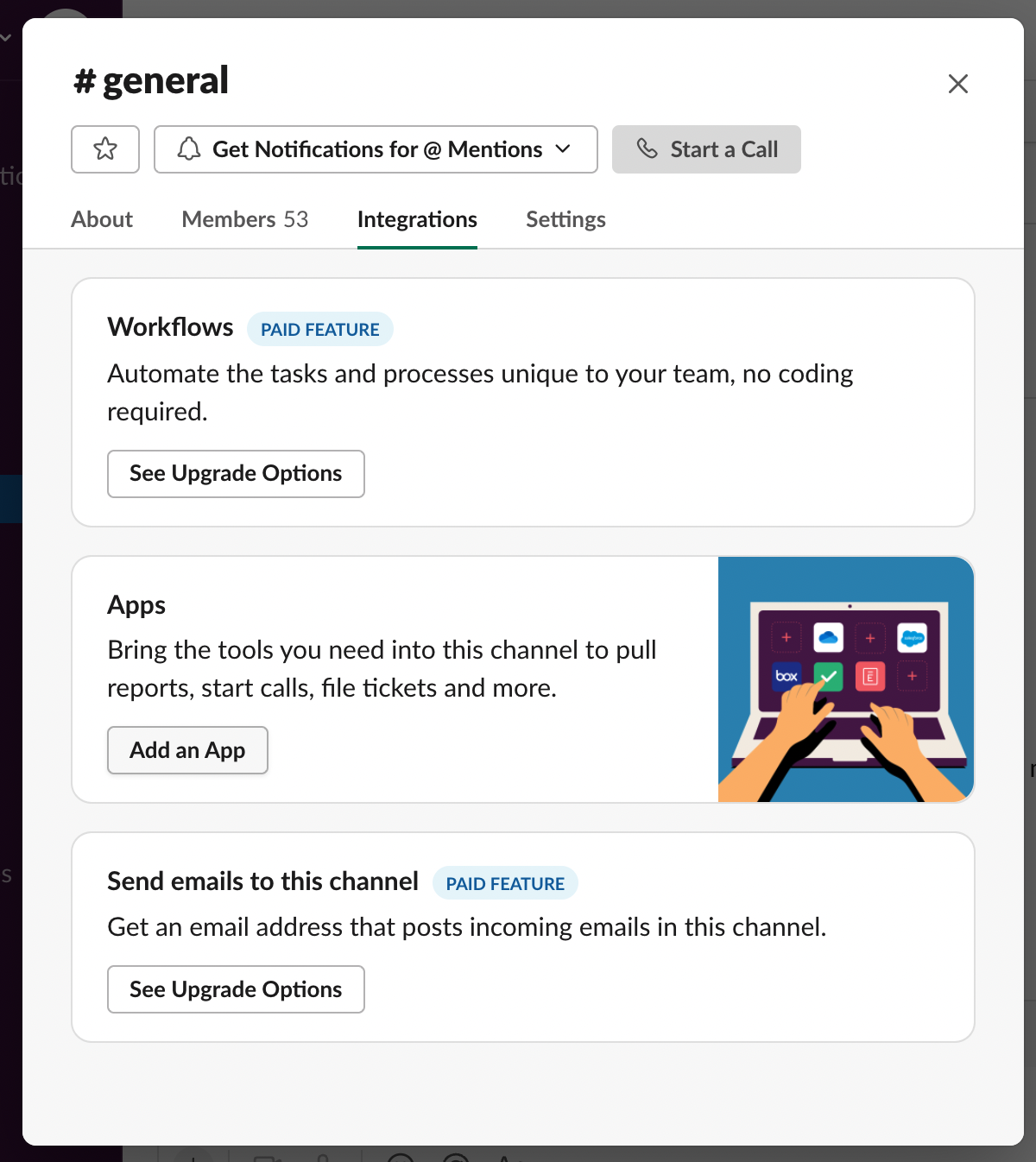
10. Navigate to the workspace and select a channel and
navigate to 'App Integration'
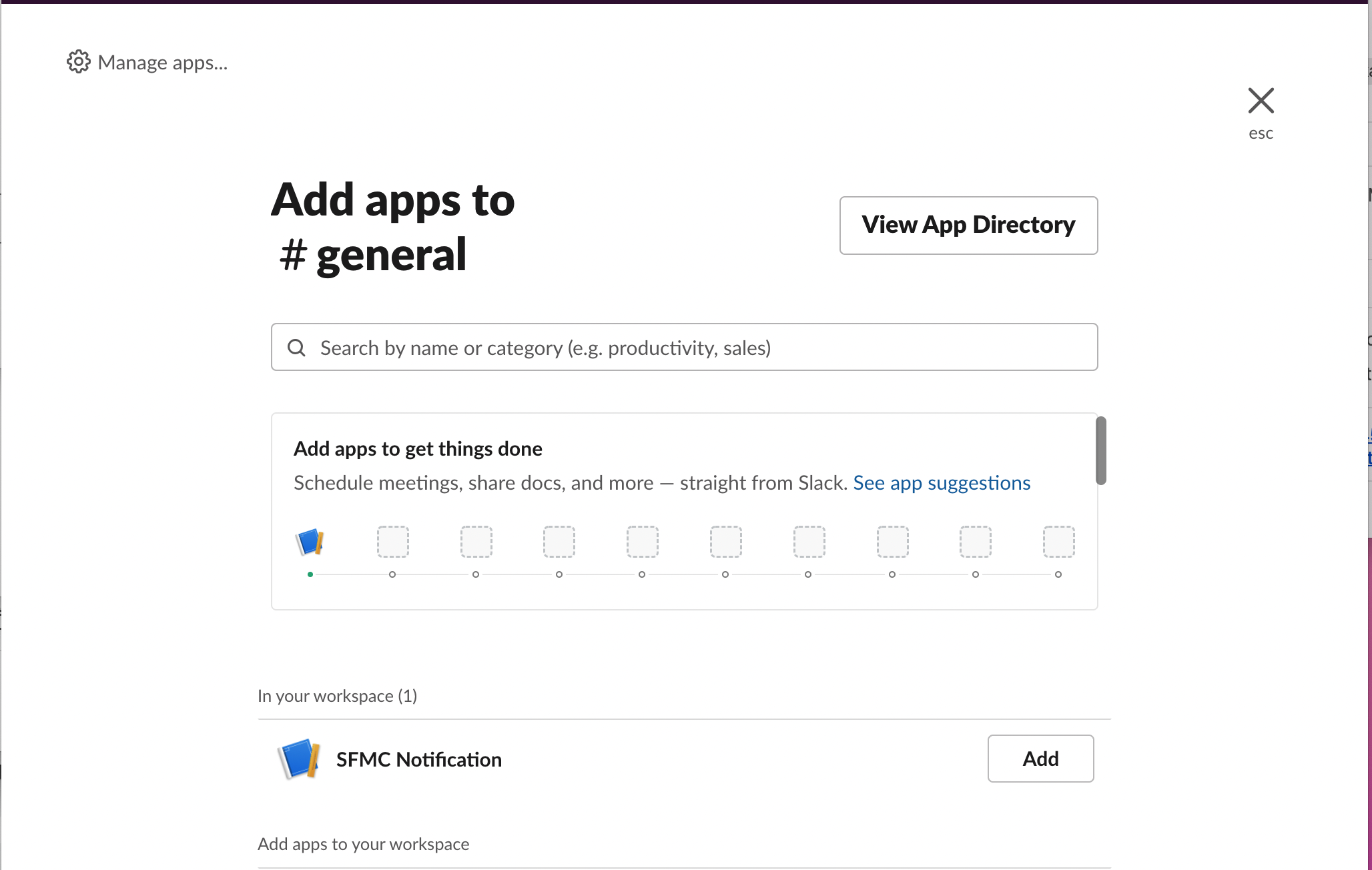
11. Select your app from the list and click on Add
12. Your app should be added to the channel